



Editors Keys Blog
colour grading
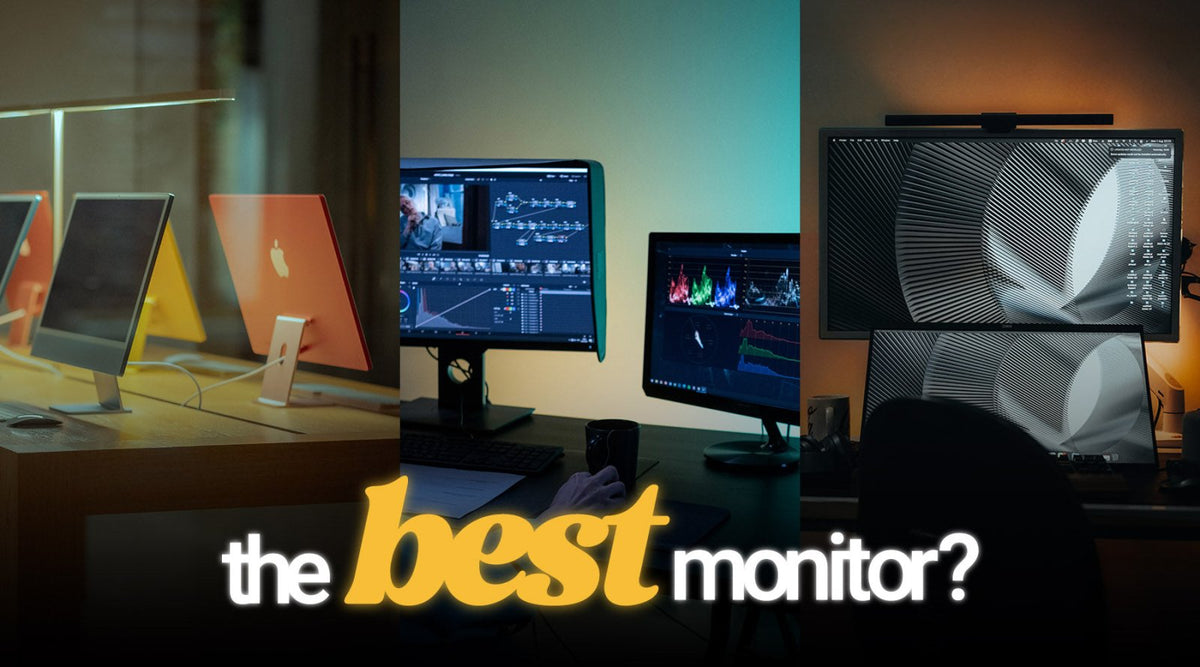
5 Best Monitors for Colour Grading in 2026
Choosing the right monitor for colour grading can have a huge impact on the quality and consistency of your finished video. When you are adjusting skin tones, balancing shadows, recovering highligh...
tips
Video Editing for Beginners – Edit Your First Video From Start to Finish
Starting video editing can feel overwhelming. You open an editing programme such as Adobe Premiere Pro, DaVinci Resolve or Final Cut Pro, import your footage and suddenly find yourself looking at t...
colour grading
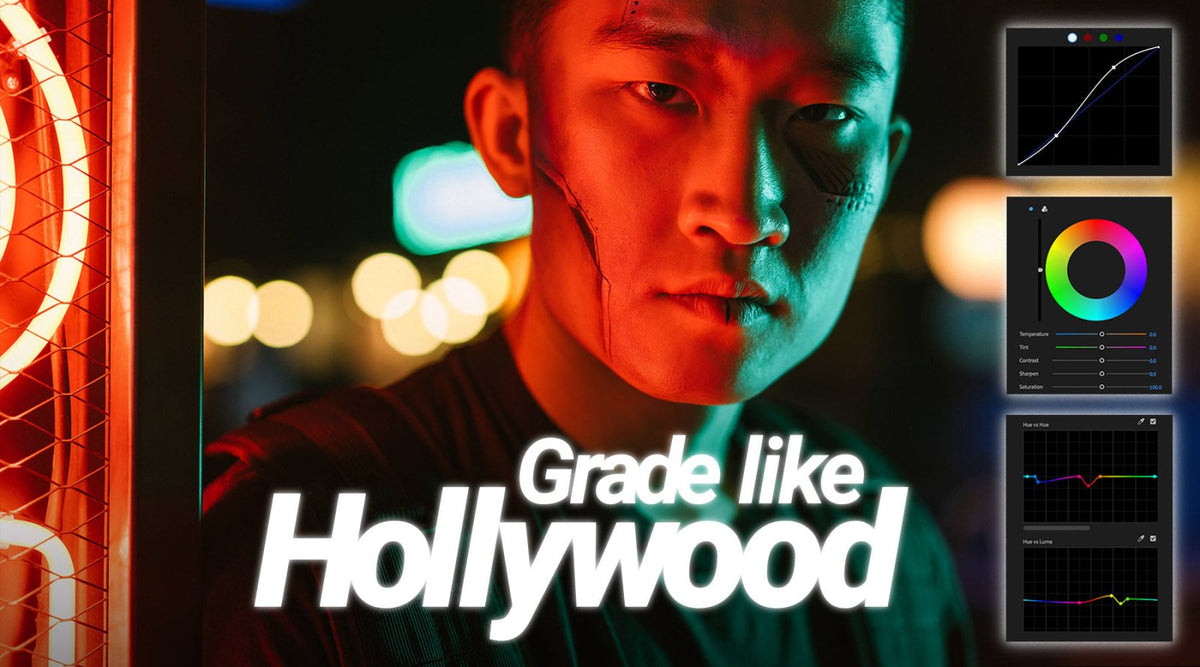
How to Colour Grade Like Hollywood: A Complete Guide to Cinematic Colour Grading
Hollywood films are recognised for their distinctive visual style, carefully controlled colour palettes and consistent imagery. From the warm, golden tones of a period drama to the cool, atmospheri...

LUT Packs
5 Best LUT Packs for Colour Grading: Editors Keys Guide for Videographers
Colour grading is one of the most effective ways to improve the appearance of video footage. Whether you are working on a professional film, a YouTube video, a music video or a commercial project, ...
Adobe Premiere Pro
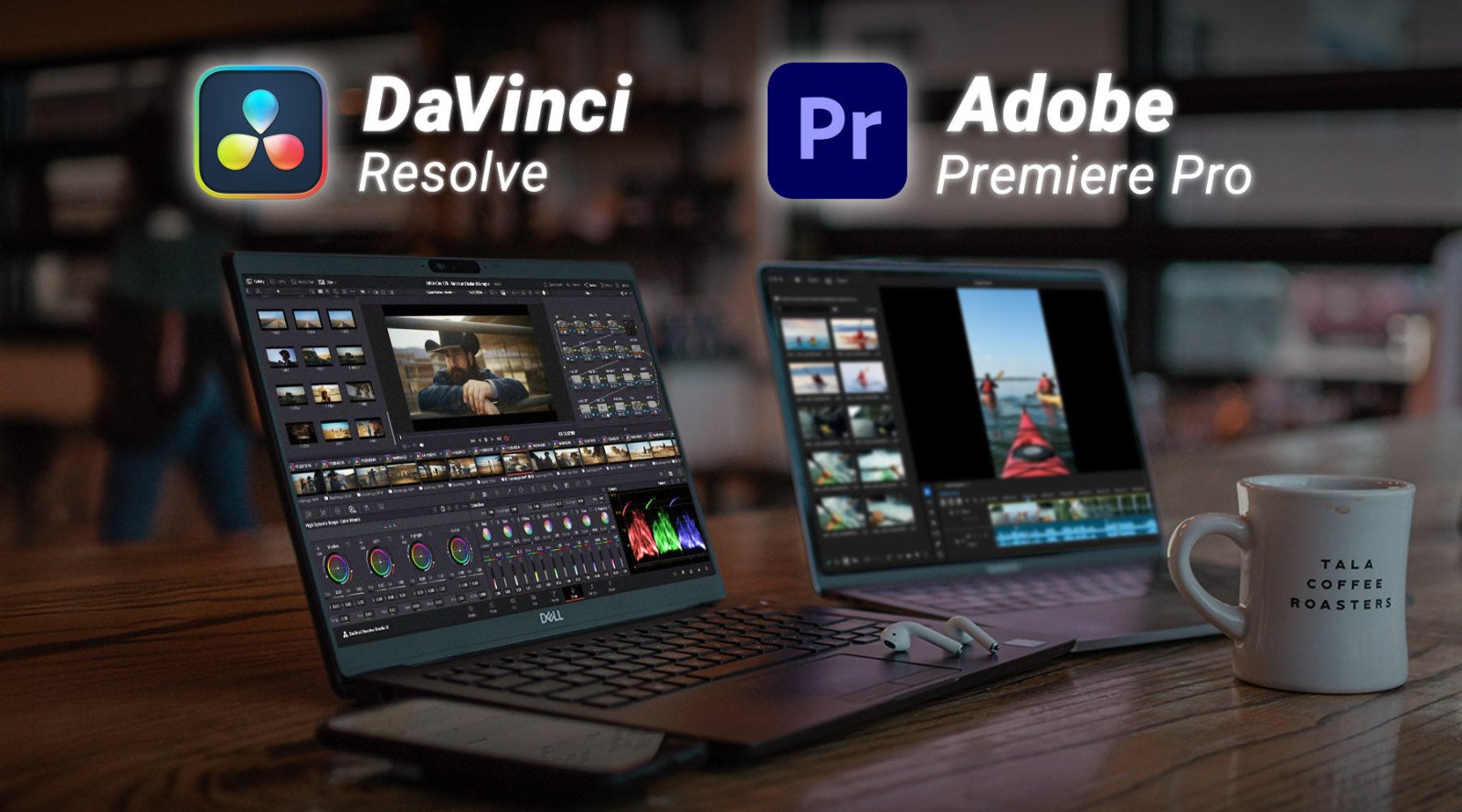
DaVinci Resolve vs Premiere Pro in 2026: Which Video Editing Software Is Best?
If you are choosing video editing software in 2026, two names are almost impossible to avoid: DaVinci Resolve and Adobe Premiere Pro. Both are professional non-linear editing systems capable of han...

LUT Pack
Editors Keys New Panasonic V-Log LUTs: Give Your Lumix Footage a Cinematic Film Look
We’re excited to announce the latest addition to the Editors Keys colour grading collection: 8 Vintage Film LUTs for Panasonic V-Log. Created specifically for creators shooting V-Log on Panasonic L...
Adobe Premiere Pro
10 Best Video Editing Plugins for Premiere Pro in 2026
If you're editing in Adobe Premiere Pro 26.3, you've already got one of the most powerful video editing applications available. Adobe continues to improve Premiere Pro every year with AI-powered to...
colour grading
25 DaVinci Resolve Keyboard Shortcuts Every Video Editor Should Know in 2026
If you're editing in DaVinci Resolve 21 in 2026, learning keyboard shortcuts is one of the quickest ways to become a faster, more efficient editor. Whether you're creating YouTube videos, documenta...
Avid Media Composer
20 Essential Avid Media Composer Shortcuts in 2026 (That Every Editor Should Know)
If you spend hours every day editing in Avid Media Composer, every mouse movement adds up.
Whether you're cutting documentaries, feature films, television, YouTube content or corporate videos, lear...