Whether you're editing a wedding film, producing a podcast, mixing an album or colour grading a documentary, one thing is certain: editing is made up of thousands of small, repetitive actions. Trimming clips, cutting audio, zooming the timeline, adding fades, switching tools, playing footage, undoing mistakes and navigating your project all happen hundreds – sometimes thousands – of times during a single editing session.
Each individual action may only take a second or two, but when you add them together over the course of a week, month or year, they represent an enormous amount of time.
So, how much time can keyboard shortcuts actually save?
The answer might surprise you. For many editors and music producers, mastering keyboard shortcuts doesn't just save a few minutes – it can reduce editing time by 30–50%, helping projects get finished faster while making the entire editing experience smoother and more enjoyable.
In this guide, we'll explore exactly where those time savings come from, why a dedicated shortcut keyboard can make an even bigger difference, and why thousands of creative professionals choose Editors Keys shortcut keyboards to speed up their workflow.

Why Every Second Matters
Editing isn't usually slowed down by one big task. Instead, it's slowed down by hundreds of tiny interruptions.
Think about how often you might:
-
Reach for the mouse
-
Search through menus
-
Forget which shortcut performs a certain task
-
Move between different editing tools
-
Zoom in and out of the timeline
-
Undo or redo edits
-
Copy and paste clips
-
Ripple delete unwanted footage
Individually, these actions seem insignificant.
Collectively, they can consume hours every week.
Professional editors often perform thousands of keyboard commands every day, and reducing even half a second from each action quickly adds up.
For example:
-
Saving just one second on 2,000 editing actions saves over 33 minutes.
-
Saving two seconds per action saves more than an hour.
-
Over the course of a year, that could mean reclaiming dozens—or even hundreds—of hours.
Those hours can instead be spent being creative, taking on more client work or simply finishing projects sooner.

The Hidden Cost of Using a Regular Keyboard
There's nothing wrong with a standard keyboard - After all, every editor starts with one.
The problem isn't the keyboard itself—it's the amount of thinking required. A standard keyboard provides no visual guidance for editing software.
If you've forgotten a shortcut, you generally have three choices:
-
Search through the menus
-
Look it up online
-
Stop and think until you remember it
Each interruption breaks your concentration.
Psychologists often refer to this as context switching—every interruption forces your brain to momentarily stop editing and start searching for information. Even brief interruptions can reduce productivity because it takes time to fully regain your focus. Multiply this by dozens of forgotten shortcuts every editing session, and the lost time becomes surprisingly significant.
Keyboard Shortcuts Keep You In Your Creative Flow
One of the biggest advantages of using keyboard shortcuts is that they help you stay immersed in the creative process. Many editors and music producers describe reaching a point where they stop consciously thinking about the software they're using and instead focus entirely on the story they're telling, the music they're creating or the emotion they're trying to convey. This is often referred to as being "in the zone", and it's where some of the best creative work happens.
Every time you have to take your hand off the keyboard to search through menus or try to remember where a particular command is hidden, that creative momentum is interrupted. Although these pauses may only last a few seconds, they break your concentration and can make editing feel slower and more fragmented. Over the course of a long editing session, those interruptions quickly begin to add up.
Keyboard shortcuts allow you to execute common actions almost instantly, whether you're cutting clips, trimming audio, adding markers, zooming into the timeline or switching between editing tools. With less time spent navigating the interface, your attention remains on your footage, your audio or your arrangement, allowing ideas to flow more naturally and helping you maintain your creative rhythm from start to finish.
This ability to work without constantly stopping to search for commands is one of the main reasons experienced video editors, filmmakers and music producers rely so heavily on keyboard shortcuts.
Why Shortcut Keyboards Save Even More Time
Learning keyboard shortcuts is one of the best ways to become a faster and more efficient editor or music producer, but memorising hundreds of different key combinations can be a challenge. Most professional editing and audio production software includes dozens, if not hundreds, of shortcuts covering everything from basic playback controls to advanced editing functions. Remembering them all without any visual reference can take months of regular use.
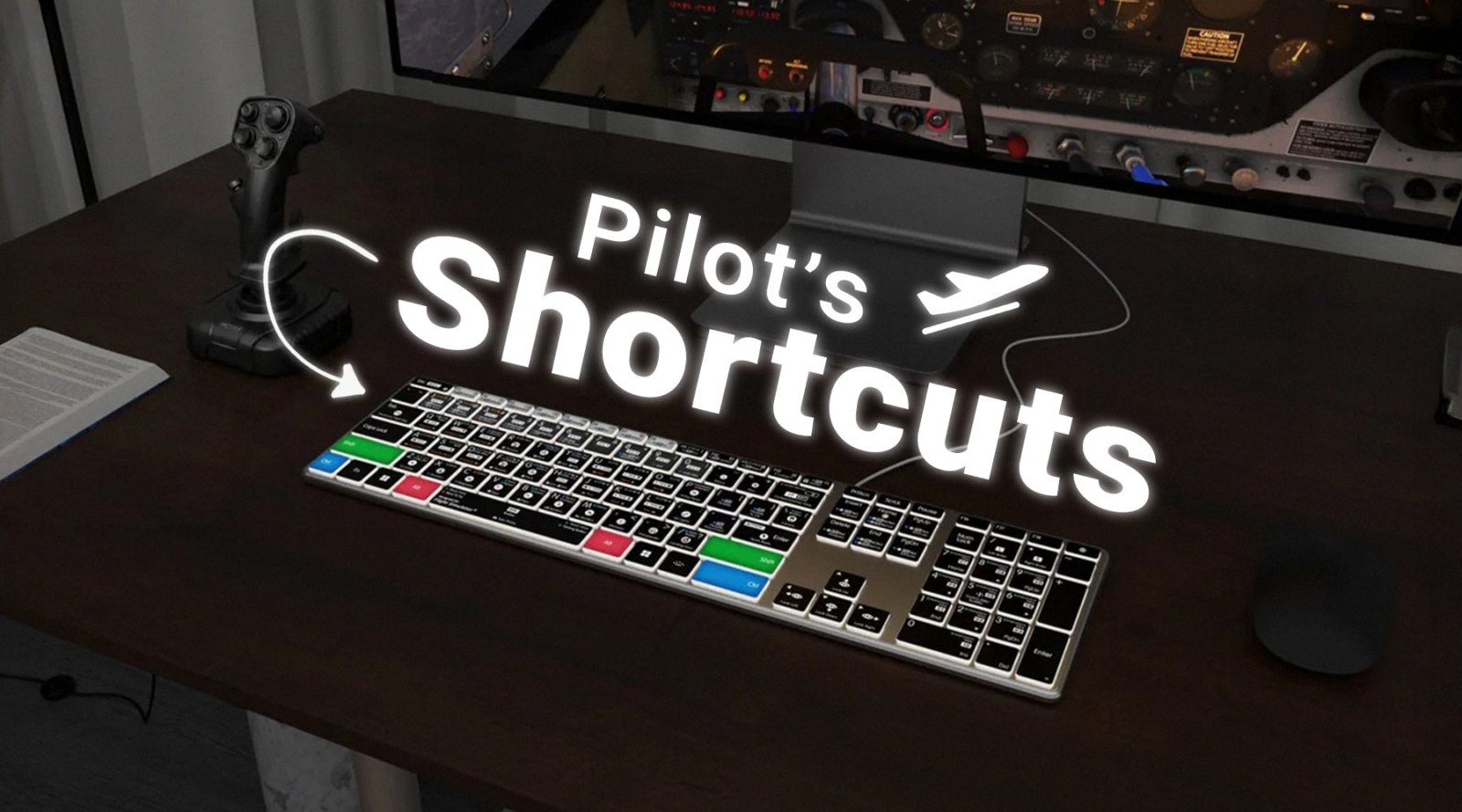
This is where a dedicated shortcut keyboard offers a significant advantage. Instead of relying on memory alone, the most commonly used shortcuts are clearly printed and colour-coded directly onto the keys. Whether you need to ripple delete a clip, switch editing tools, split a region, zoom into the timeline or add markers, the shortcut is always visible. Rather than interrupting your workflow to search online or navigate through menus, you can quickly glance at the keyboard and continue working without losing momentum.

One of the biggest benefits of using a shortcut keyboard is that it naturally reinforces your memory over time. Because you're constantly seeing the shortcuts as you work, you begin to associate each command with its location on the keyboard. Eventually, many editors and producers find that they no longer need to look down at the keys at all, as repeated use has developed strong muscle memory.
In other words, a shortcut keyboard doesn't just make your favourite commands easier to access—it also becomes a highly effective learning tool. By providing a constant visual reminder of the shortcuts available, it helps users build confidence with their software, learn new commands more quickly and develop faster editing habits that continue to save time long after the shortcuts have been committed to memory.
Faster Editing Without Constant Googling
Every editor has done it.
You've forgotten how to:
-
Reverse a clip
-
Add markers
-
Toggle snapping
-
Show keyframes
-
Enable multicam editing
-
Split an audio clip
So you pause your work.
Open Google, search for the shortcut, read the answer, return to your project.
Even if this only takes 30 seconds, doing it repeatedly throughout the week becomes a major productivity drain. Shortcut keyboards eliminate much of this interruption because the answer is already sitting in front of you.
Muscle Memory Is Faster Than Thinking
Just as professional musicians don't think about every single note, professional typists don't think about every letter. The same applies to editing! The more often you perform the same shortcut, the more it becomes automatic.
Eventually:
- Cut.
- Trim.
- Undo.
- Ripple delete.
- Zoom.
- Play.
- Stop.
All happen almost instinctively. Shortcut keyboards accelerate this learning process by constantly reinforcing where every command lives.
Mouse vs Keyboard: Which Is Faster?
A mouse is excellent for precise tasks such as:
-
Colour grading
-
Drawing masks
-
Adjusting automation curves
-
Keyframing
-
Fine timeline adjustments
But many editing actions are dramatically quicker from the keyboard.
Imagine trimming hundreds of clips.
Using the mouse often involves:
-
Selecting a tool
-
Moving the cursor
-
Clicking precisely
-
Returning to another tool
With shortcuts, those same actions often require nothing more than a quick key press.
Professional editors frequently combine both devices:
-
Mouse for precision.
-
Keyboard for speed.
It's this combination that creates the fastest workflow.

Video Editors Benefit Enormously
Whether you edit in:
-
Adobe Premiere Pro
-
DaVinci Resolve
-
Final Cut Pro
-
Avid Media Composer
...keyboard shortcuts become increasingly important as projects grow larger.
Complex timelines might contain:
-
Hundreds of clips
-
Multiple audio tracks
-
Adjustment layers
-
Titles
-
Graphics
-
Effects
-
Colour corrections
Navigating these efficiently without shortcuts quickly becomes frustrating.
The more complex your projects become, the more valuable keyboard shortcuts become.
Music Producers Save Time Too
DAWs are just as shortcut-heavy as video editing software.
Whether you're producing in:
-
Logic Pro
-
Cubase
-
Ableton Live
-
Pro Tools
-
Reason
...keyboard shortcuts speed up almost every stage of production.

Common shortcuts include:
-
Splitting regions
-
Quantising MIDI
-
Muting tracks
-
Looping playback
-
Zooming the arrangement
-
Opening mixers
-
Showing editors
-
Recording
-
Duplicating clips
-
Automation controls
Instead of navigating menus during a recording session, producers can keep their focus entirely on the music.
When inspiration strikes, speed matters.
The less time spent searching through menus, the more time spent creating.
What Do Professional Editors Say?
Many experienced editors stress that learning keyboard shortcuts is one of the biggest productivity improvements you can make.
Legendary editor Walter Murch has often spoken about reducing anything that interrupts creative decision-making, arguing that the editing process should remain as fluid as possible. While not specifically endorsing shortcut keyboards, his broader philosophy centres on removing barriers between creative intent and execution.
Likewise, many professional trainers and educators for editing software encourage editors to learn shortcuts early because they become essential as projects increase in complexity. Adobe, Apple and Blackmagic Design all devote significant sections of their official training resources to keyboard shortcuts, reflecting how fundamental they are to efficient editing workflows.
Across online editing communities, it's common to hear editors describe the transition from menu-driven editing to shortcut-based editing as one of the biggest leaps in productivity they made. Many report that once shortcuts become second nature, going back to relying primarily on menus feels noticeably slower.
Why Editors Keys Shortcut Keyboards Stand Out
Editors Keys has spent years designing keyboards specifically for creative professionals. Rather than replacing the software you already know, the keyboards simply make it easier to access the commands you use every day.
Editors Keys AB10 Air Wireless
The Editors Keys AB10 Air Wireless combines portability with a premium editing experience. Its wireless design helps keep desks tidy while providing clearly labelled shortcut keys for your chosen editing software.
Every major shortcut is colour-coded and printed directly onto the keyboard, making learning faster and reducing interruptions throughout the day. It's ideal for editors who regularly switch between studio, office and home workspaces.

Editors Keys AB10 Core USB-C
For those who prefer a wired setup, the Editors Keys AB10 Core offers a reliable USB-C connection with the same professionally labelled shortcut layout.
The wired connection means it's always ready to work—no batteries to charge and no wireless pairing required.
Like the AB10 Air, every important editing shortcut is mapped directly onto the keys, helping users work faster while naturally memorising commands over time.
Whether you're editing videos, producing music or working with audio, both keyboards are designed to reduce friction and improve workflow.
Don't Want to Replace Your Keyboard?
Editors Keys also produces high-quality Mac and MacBook shortcut keyboard covers.
These silicone covers sit directly over your existing Apple keyboard, instantly displaying all the important shortcuts for your chosen software.
They're ideal for:
-
Students learning editing
-
Travelling creators
-
Shared workstations
-
Editors who already love their Mac keyboard

They're also:
-
Lightweight and highly portable
-
Easy to remove and clean with mild soap and water
-
Designed to help protect your keyboard from dust, crumbs and light liquid spills
It's a simple way to gain many of the benefits of a dedicated shortcut keyboard while keeping the familiar feel of your MacBook or Apple keyboard.

Is a Shortcut Keyboard Worth It?
If you only edit once every few months, perhaps not.
But if editing is something you do every day—or even every week—the time savings quickly become substantial.
Instead of:
-
Searching menus
-
Looking up shortcuts
-
Interrupting your workflow
-
Constantly moving between keyboard and mouse
...you can stay focused on what matters most: creating.
For professionals, freelancers, YouTubers, podcasters, filmmakers, musicians and content creators, that extra efficiency often pays for itself surprisingly quickly through faster project completion and a smoother editing experience.
Final Thoughts
By reducing unnecessary clicks, eliminating constant menu searches and helping build lasting muscle memory, shortcuts allow you to spend less time operating software and more time being creative.
A regular keyboard can certainly get the job done, but a dedicated shortcut keyboard goes one step further by placing the commands you rely on every day directly beneath your fingertips. That means fewer interruptions, quicker decision-making and a workflow that stays focused on the edit rather than the interface.
Editors Keys' AB10 Air Wireless and AB10 Core USB-C Wired shortcut keyboards are designed to help you work faster from day one, with clearly labelled, colour-coded shortcuts that make learning easier and editing more efficient. And if you prefer to keep your existing Mac keyboard, Editors Keys' shortcut keyboard covers offer an affordable, portable alternative that not only displays the essential shortcuts for your favourite software but also helps protect your keyboard from everyday wear.
The result is simple: less time searching, more time creating—and a workflow that lets your creativity take centre stage.