
Can the 13-inch MacBook Air M4 (2025) replace a 14-inch MacBook Pro with M1 Pro (2021) for video editing? We tried the switch in our everyday Final Cut Pro workflow. The answer depends less on the chip's age than on your footage, effects, peripherals and time spent editing away from a desk.
Buying guidance updated November 2026. The hands-on observations and export times below come from our original comparison, not a new benchmark run. This is a comparison of these two generations, not a claim that either is Apple's latest model.
Why we tried the M4 Air
Editors Keys founder Mark moved to the M4 Air to explore a lighter setup for working between locations. Portability and the slimmer form factor were the attraction. The practical question was whether everyday editing would still feel responsive.

Our real-world Final Cut Pro comparison
This was a hands-on comparison, not a controlled laboratory benchmark. In our original sessions, Safari, Photoshop, Word and Final Cut Pro generally felt quick to open on the Air. The differences were small; app launch speed alone is not a reason to replace an editing machine.
On the 4K project we tried, timeline scrubbing felt smooth and playback remained responsive with the effects and titles we used. That observation applies to our project, not every codec, plug-in or multicam setup.
The 15-minute 4K export
Using the same timeline and external SSD, we recorded:
- M1 Pro MacBook Pro: 6 minutes 33 seconds.
- M4 MacBook Air: 6 minutes 14 seconds.
The Air finished this export first. Treat that as one useful result, not proof that it is faster for every professional workload. Our original write-up did not record the full memory configurations, codec, export settings or software versions, so these times are not a reproducible buying benchmark.
Ports and display: the practical trade-offs
The 13-inch M4 Air has two Thunderbolt 4 (USB-C) ports, MagSafe 3 charging and a headphone jack. It does not have built-in HDMI or an SDXC card slot. Plan your connections before buying: an external SSD, card reader and wired keyboard can quickly turn a simple setup into a hub-based one.
The 14-inch M1 Pro MacBook Pro has three Thunderbolt 4 ports, HDMI and an SDXC slot, alongside MagSafe 3 and a headphone jack. If your day involves importing camera cards and connecting a monitor, that convenience still matters.
The Air's 13.6-inch Liquid Retina display is not the same as the Pro's 14.2-inch Liquid Retina XDR display with ProMotion up to 120Hz. For HDR-focused work, assess the display separately from timeline or export speed.
Compare today's actual offers rather than relying on our original price gap. With an older Pro, condition, battery health, memory and storage should be part of the decision too.
Choose your Final Cut Pro keyboard or cover
Start with your ports, then your physical keyboard layout and editing routine. These products put shortcut references on the keys; they do not increase your Mac's rendering or export performance.
Desk editing with a spare USB-C port: AB10 Core Wired
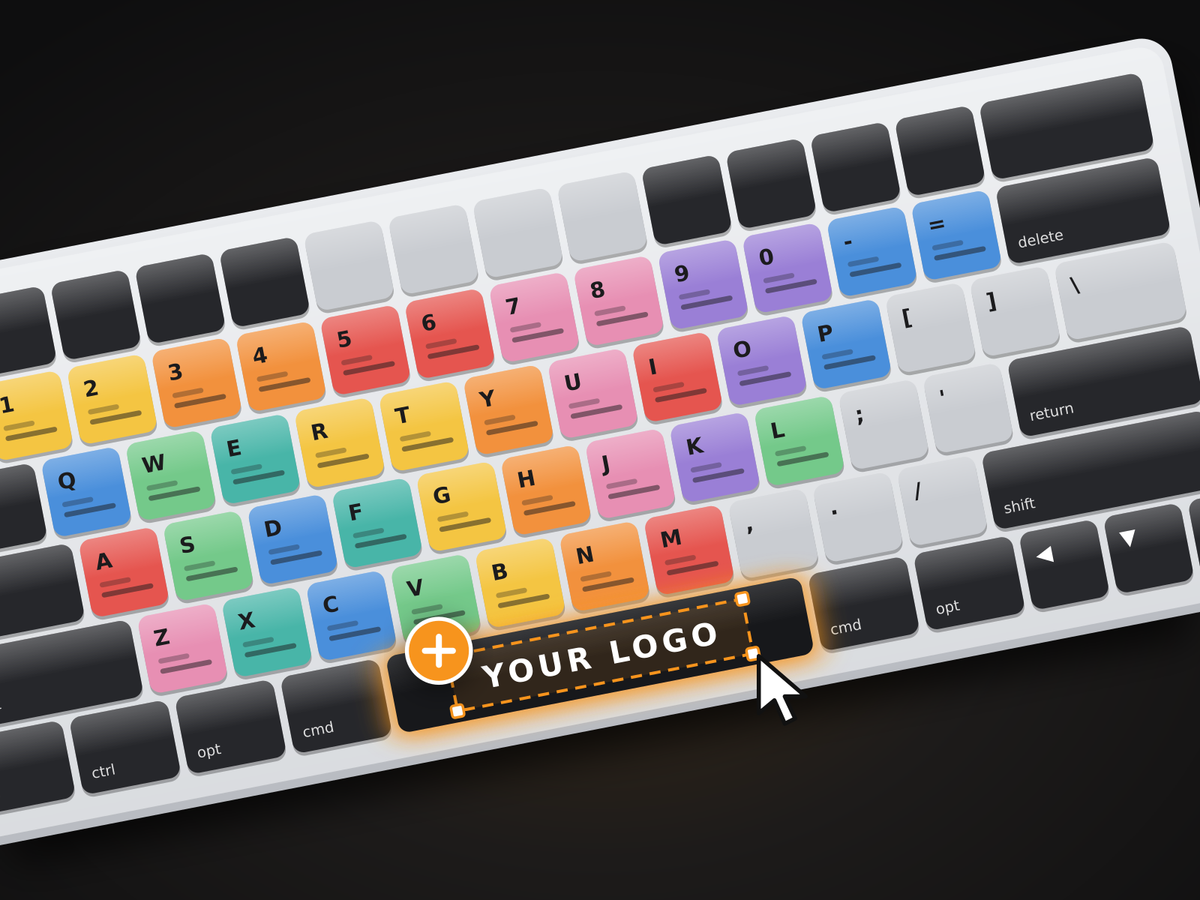
The AB10 Core connects directly by USB-C and needs no battery charging. It has over 100 colour-coded Final Cut Pro shortcuts, standard typing characters and a backlight with three brightness levels. Choose your familiar layout: AB10 Core, UK/Euro English or AB10 Core, US English. A USB-A adapter is available separately if your hub requires it.
Keep a port free or switch devices: AB10 Air Wireless
The AB10 Air uses Bluetooth, supports switching between up to three paired devices and offers the same printed shortcut approach and adjustable backlighting. It is our choice when you want to leave a USB-C port available for storage during wireless use. Choose AB10 Air, UK/Euro English or AB10 Air, US English. Allow for charging as part of your setup.
Edit on the built-in keyboard: Final Cut Pro cover
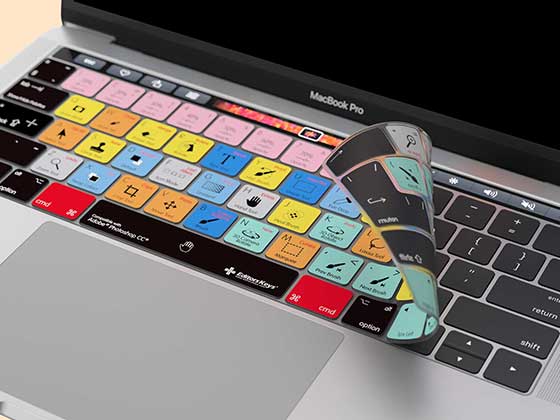
Prefer to travel without an external keyboard? Browse the Final Cut Pro keyboard covers for colour-coded shortcut references on your existing keys, with no connection port needed. The range includes a MacBook Air option and a 14–16-inch notched MacBook Pro option.
Check fit before ordering: match your exact Mac model and physical key arrangement to the product's compatibility information. The generic Air option name alone does not confirm every model year. For an external Apple keyboard, choose its own cover option rather than a MacBook cover. Don't select a cover solely by software or screen size.
Our final recommendation
The M4 Air earned its place in our portable Final Cut Pro setup, but it is not an automatic upgrade from an M1 Pro. Choose the Air for the mobility you actually need; keep the Pro when its display and connections serve your workflow. For shortcuts, choose an AB10 wired or wireless keyboard for a desk setup, or a model-matched cover for editing on the laptop itself.
Hardware references: Apple's 13-inch M4 MacBook Air specifications and Apple's 14-inch 2021 MacBook Pro specifications. Product connections, layouts and shortcut features checked against the current Editors Keys product listings.