



Editors Keys Blog
Adobe Premiere Pro
10 Best Video Editing Plugins for Premiere Pro in 2026
If you're editing in Adobe Premiere Pro 26.3, you've already got one of the most powerful video editing applications available. Adobe continues to improve Premiere Pro every year with AI-powered to...
colour grading
25 DaVinci Resolve Keyboard Shortcuts Every Video Editor Should Know in 2026
If you're editing in DaVinci Resolve 21 in 2026, learning keyboard shortcuts is one of the quickest ways to become a faster, more efficient editor. Whether you're creating YouTube videos, documenta...
Avid Media Composer
20 Essential Avid Media Composer Shortcuts in 2026 (That Every Editor Should Know)
If you spend hours every day editing in Avid Media Composer, every mouse movement adds up.
Whether you're cutting documentaries, feature films, television, YouTube content or corporate videos, lear...
final Cut Pro
Final Cut Pro Hidden Features: A 2026 Guide
Final Cut Pro has earned its reputation as one of the fastest and most efficient professional video editing applications available for macOS. From YouTube creators and wedding videographers to docu...
tips
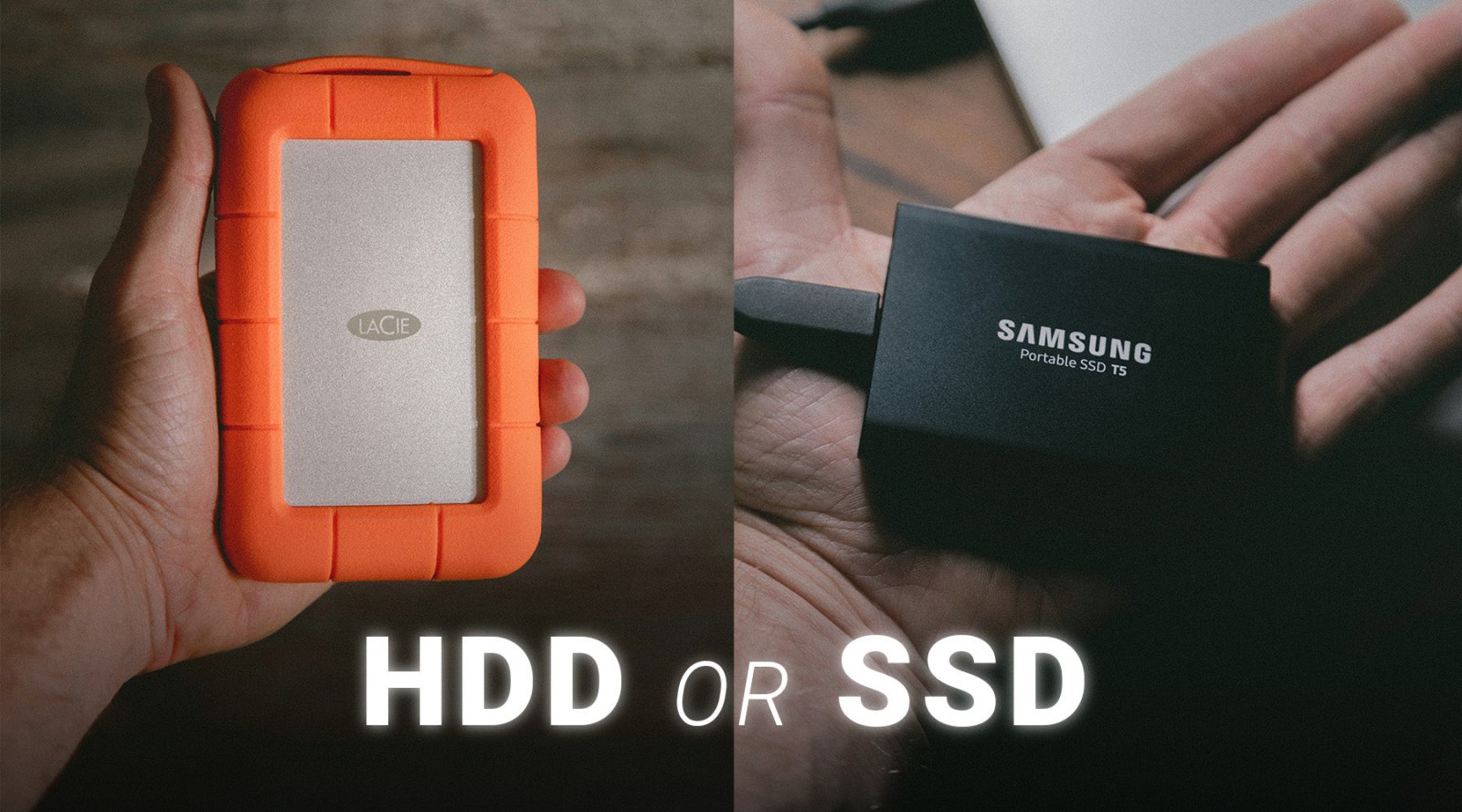
SSD vs HDD for Video Editing: Which Storage Drive Is Best for Video Editors?
Video editing has become more demanding than ever. Modern cameras can capture enormous 4K, 6K and even 8K files, while editing software such as Adobe Premiere Pro, DaVinci Resolve and Final Cut Pro...
colour grading
How to Turn Flat i-Log Footage Into a Cinematic Colour Grade in DaVinci Resolve
If you've ever imported i-Log or LOG footage into DaVinci Resolve for the first time, you've probably had the same reaction as many editors.
"Why does my footage look so grey and lifeless?"
The goo...
Audio
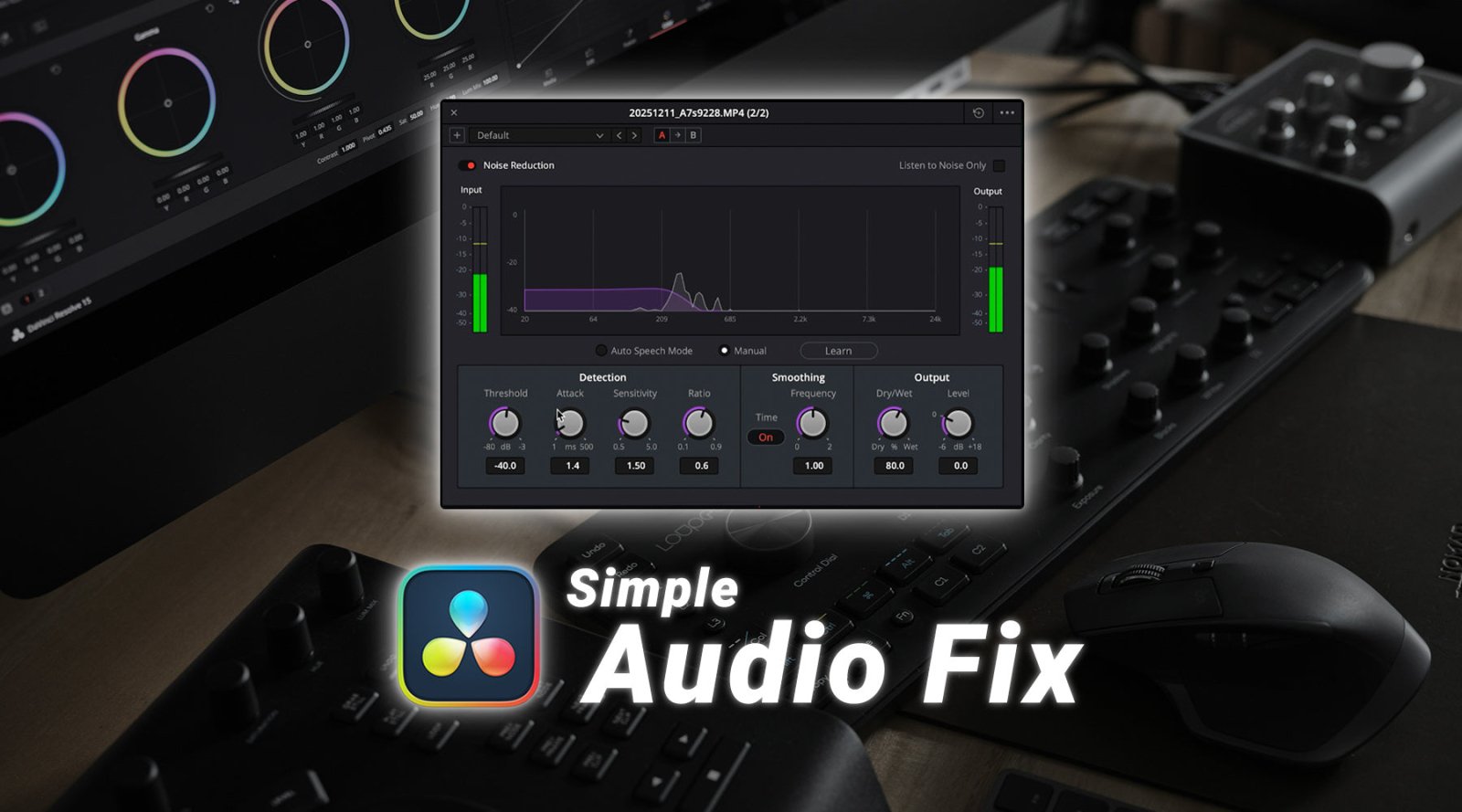
DaVinci Resolve Audio Basics: How to Make Your Videos Sound Professional
When people think about creating great videos, most of their attention goes towards camera settings, colour grading and cinematic visuals. While these elements are important, one thing consistently...
Adobe Premiere Pro
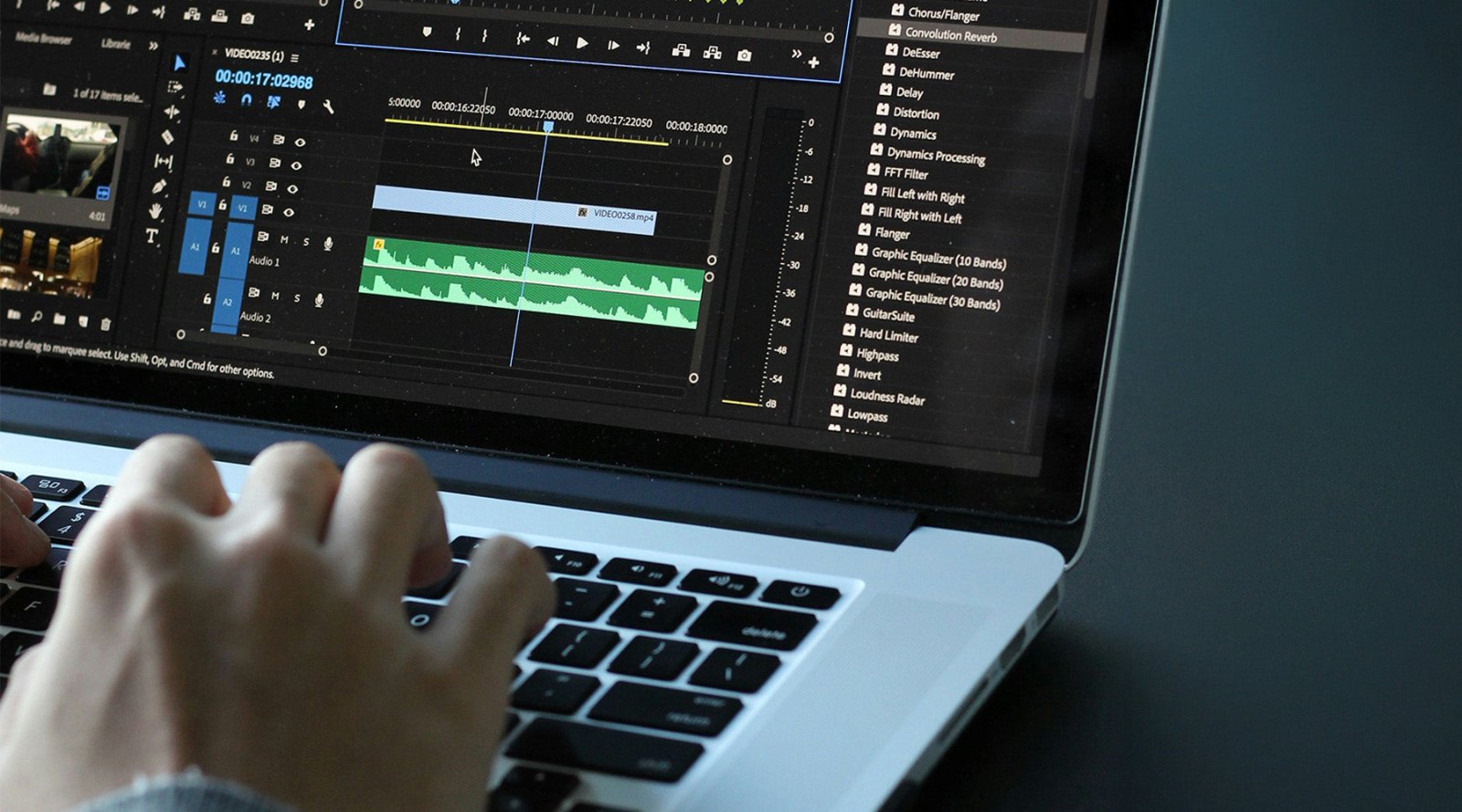
How to Trim Silence in Adobe Premiere Pro
Whether you're editing interviews, podcasts, YouTube videos or corporate content, unnecessary pauses can quickly make your project feel slow and unprofessional. Long silences between sentences, awk...
final Cut Pro
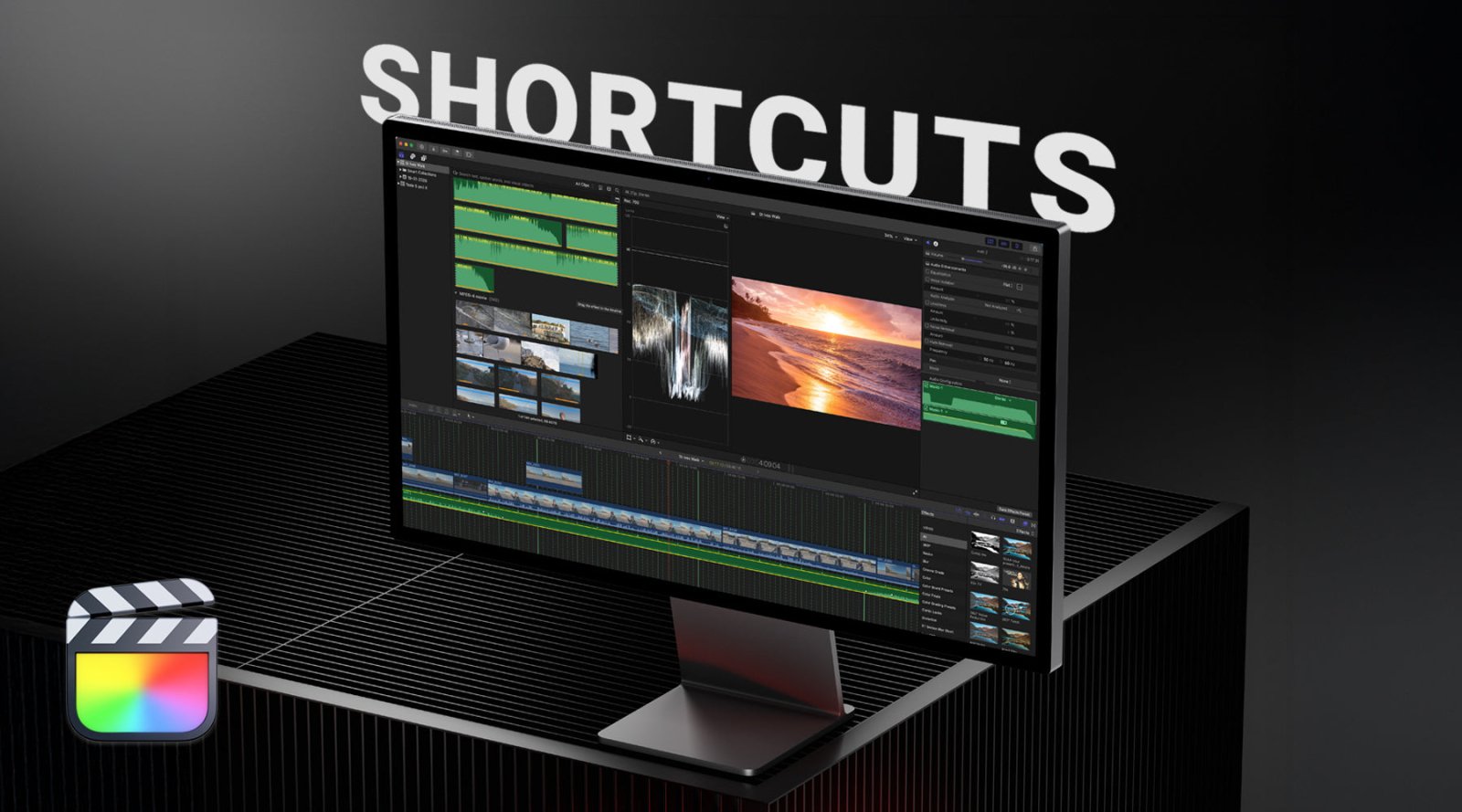
Top 10 Shortcuts in Final Cut Pro Every Editor Should Know
Whether you're editing YouTube videos, documentaries, corporate content, music videos or feature films, speed is everything. Professional editors don't spend their day digging through menus or hunt...