



Editors Keys Blog

LUT Packs
5 Best LUT Packs for Colour Grading: Editors Keys Guide for Videographers
Colour grading is one of the most effective ways to improve the appearance of video footage. Whether you are working on a professional film, a YouTube video, a music video or a commercial project, ...

Advice
How Much Time Can an Editing Keyboard Actually Save?
A shortcut editing keyboard can make a noticeable difference to the time you spend editing video, producing music or working in creative software. By placing frequently used commands directly on th...
Cameras
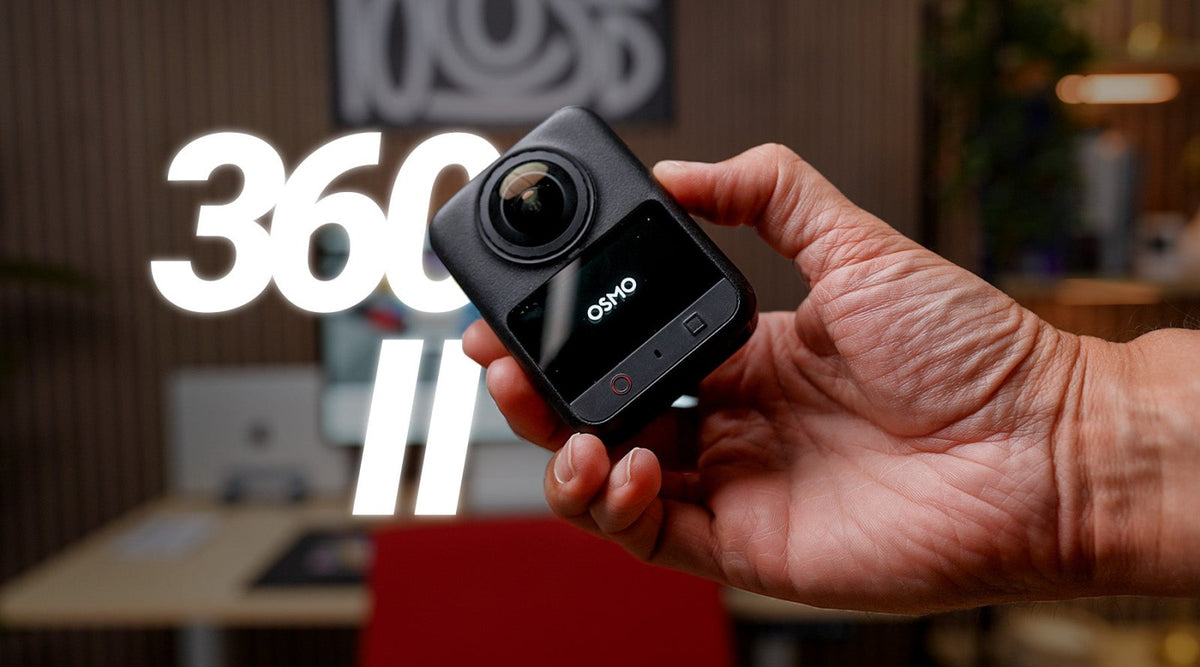
DJI Osmo 360 II First Look Review: Is This the Only Camera You Need?
The DJI Osmo 360 II is DJI's latest 360-degree camera, designed to give videographers, vloggers and content creators more flexibility when filming. With native 8K recording at 60 frames per second,...

How to Prevent Repetitive Strain Injury (RSI) While Editing Videos
Video editing can involve hours of sitting at a desk, repeatedly moving a mouse, pressing keyboard shortcuts and making tiny, precise movements with your hands and wrists. When you're working towar...
Ableton
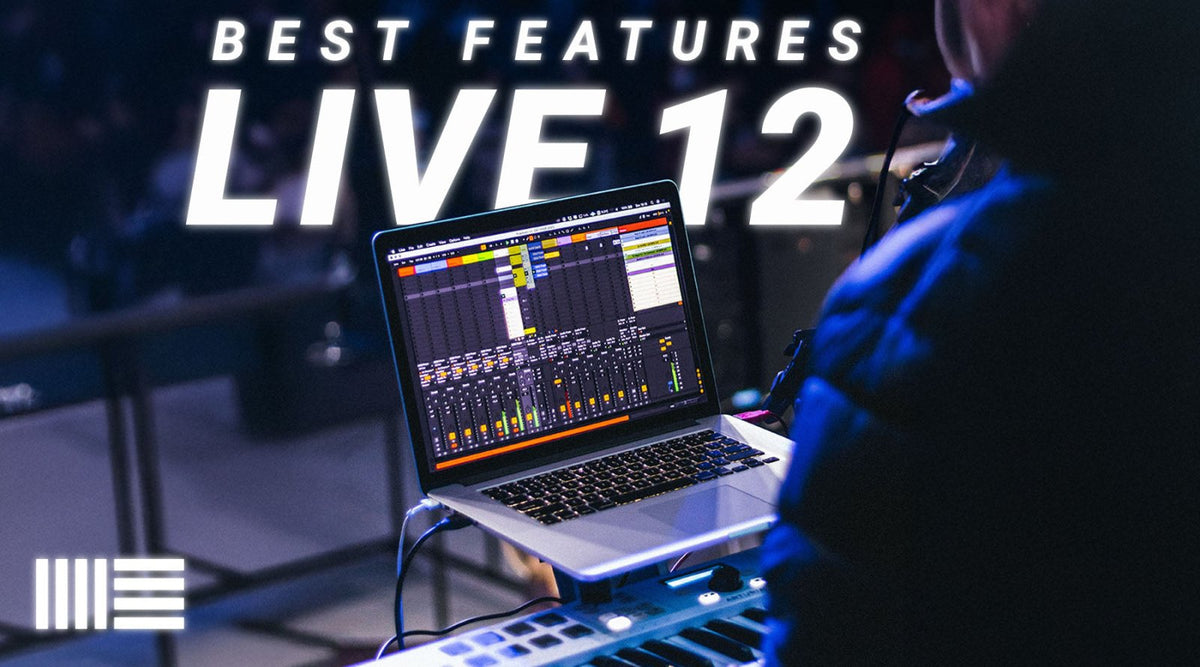
Ableton Live 12: Best New Features for Producers
If you have been using Ableton Live 10 or Live 11 for a while, Ableton Live 12 represents a much bigger creative upgrade than a simple collection of small interface changes. Rather than focusing pu...

Flight Simulator 2024
Microsoft Flight Simulator 2024 Beginner’s Guide: From First Flight to Professional Pilot
Microsoft Flight Simulator 2024 can be an intimidating experience when you first sit in the cockpit. Unlike a traditional flying game, Microsoft Flight Simulator 2024 (MSFS 2024) attempts to recrea...

Audio Editing
5 Best Free VST Plugins for Music Producers in 2026
If you are building a music production setup in 2026, you do not need to spend hundreds of pounds on plugins to get professional results. The free VST plugin scene has become remarkably good, with ...
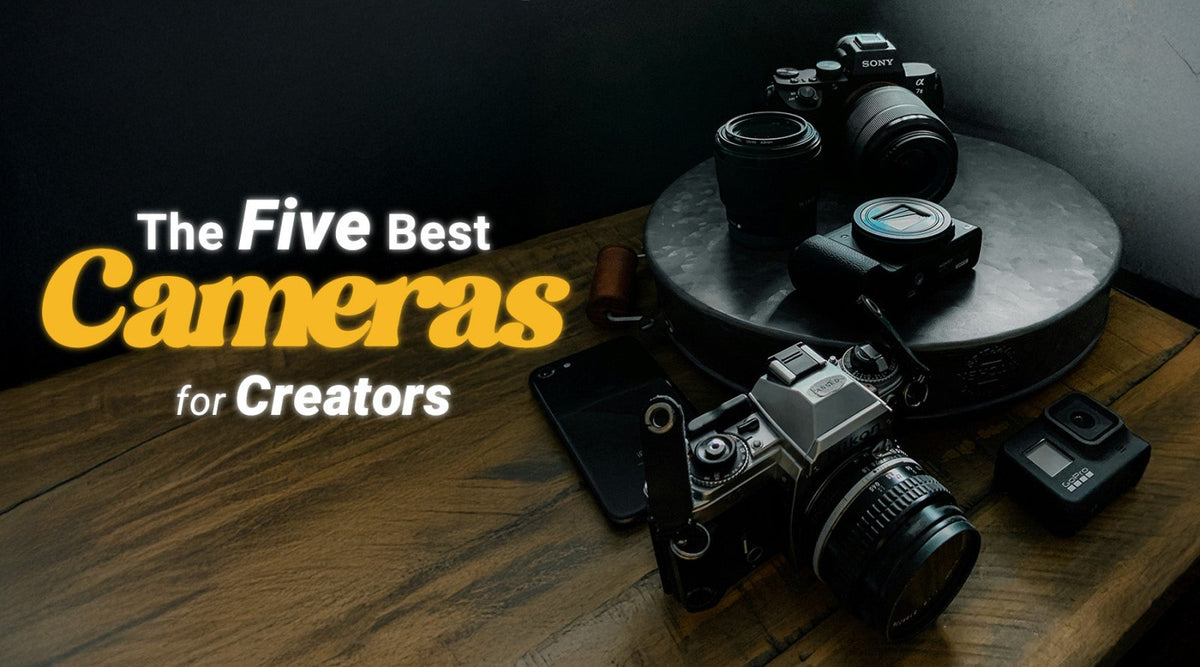
Top 5 Cameras for YouTube Creators in 2026: The Best Vlogging Cameras for Content Creators
Choosing the best camera for YouTube in 2026 is no longer simply a question of buying the camera with the largest sensor or the highest resolution. Modern content creators have an enormous range of...
Cubase
Cubase Keyboard Shortcuts: The Complete 2026 Cheat Sheet (Free PDF)
Most DAWs assign shortcuts by mnemonic — S for solo, M for mute, and after that you're on your own. Cubase does something different, and once you see it the whole keyboard makes sense: it assigns t...