
Choosing between Final Cut Pro and DaVinci Resolve in 2026 comes down to your editing style, budget and the type of videos you produce. Both are powerful video editing programmes capable of professional results, but they approach post-production differently. Final Cut Pro focuses on fast, fluid editing within Apple's ecosystem, while DaVinci Resolve combines video editing, advanced colour grading, visual effects and professional audio post-production in one application.
Both have developed significantly in recent years. Final Cut Pro 12 introduced AI-powered Transcript Search and Visual Search, alongside Beat Detection, while DaVinci Resolve 21 expanded its toolkit with new AI features, enhanced editing controls and dedicated tools for still photography. The best choice depends on which features will make the biggest difference to your workflow.

Final Cut Pro vs DaVinci Resolve: Key Differences
Final Cut Pro is exclusive to Mac, making it particularly attractive to editors working on MacBook Pro, Mac mini, Mac Studio and other Apple computers. Its Magnetic Timeline allows clips to move intelligently around one another, reducing gaps and making it easier to rearrange sequences without constantly adjusting tracks. Background rendering, optimised Apple silicon performance and a straightforward interface make it an excellent choice for YouTube videos, social media content, interviews, music videos and commercial projects.
DaVinci Resolve is available for macOS, Windows and Linux, giving it a significant advantage if you work across different computer platforms. Its interface is divided into dedicated pages for media management, editing, colour grading, visual effects and audio post-production. This structure can take longer to master, but it provides a comprehensive environment for projects that require detailed finishing work.
The two applications share many essential features, including multicamera editing, proxy workflows, colour correction, transitions, titles, keyframing, audio mixing and professional export options. Both can handle demanding projects, including 4K footage, and both support workflows used by professional editors. The difference lies in how these tools are organised and how much control each application gives you over particular stages of post-production.
What Does Final Cut Pro Do Better?
Final Cut Pro's biggest advantage is its editing experience. The Magnetic Timeline makes it easy to build a sequence, move clips around and experiment with different arrangements without the traditional track-management overhead. Connected clips keep supporting footage, graphics and sound effects attached to the relevant part of the edit, which can make revisions considerably quicker.
Apple's optimisation also makes Final Cut Pro appealing to editors who want a responsive workflow on a compatible Mac. Its efficient media handling, background processing and support for Apple ProRes formats are particularly useful when working with large amounts of footage. Editors producing content regularly for clients, social media or online channels may find that the speed of everyday editing matters more than having the largest possible set of finishing tools.
Final Cut Pro 12 adds useful intelligence to the editing process. Transcript Search helps you locate spoken words and phrases in footage, while Visual Search lets you search for objects and actions using natural-language descriptions. Both require a Mac with Apple silicon. Beat Detection analyses music to identify beats and bars, helping you synchronise cuts with a soundtrack.
The main disadvantages of Final Cut Pro are its Mac-only availability and its more limited integrated colour-grading, compositing and audio-post-production environments compared with Resolve. You can achieve sophisticated results using Final Cut Pro's built-in tools and third-party plugins, but complex VFX work or detailed finishing may require additional software.
For editors who already work on a Mac and prioritise speed, simplicity and a streamlined timeline, Final Cut Pro is an excellent option.

What Does DaVinci Resolve Do Better?
DaVinci Resolve has a particularly strong reputation for colour grading. Its dedicated Color page provides extensive control over exposure, contrast, saturation, curves, qualifiers, tracking, nodes and colour management. These tools make it suitable for matching cameras, creating consistent looks across scenes and developing highly controlled cinematic grades.
Resolve's node-based workflow also gives colourists considerable flexibility. Instead of relying entirely on a stack of effects, you can build connected processing stages, isolate parts of an image and combine adjustments in a precise order. Studio features such as Magic Mask, Depth Map and advanced noise reduction can further assist with demanding shots, although availability depends on the version and feature.
Resolve also has a substantial advantage in integrated post-production. Its Fusion page provides node-based compositing and motion graphics, while Fairlight offers advanced audio editing, mixing, processing and delivery tools. This means you can move from the initial edit to colour grading, visual effects and audio finishing without necessarily leaving the application.
DaVinci Resolve 21 adds AI-assisted tools including IntelliSearch for finding content, CineFocus for adjusting the apparent focal point and additional facial-refinement capabilities in the Studio edition. Resolve's wider toolkit can be especially useful for filmmakers, colourists and production teams handling complex projects.
The free version is another major attraction. It provides extensive editing and colour-grading capabilities without a subscription, while DaVinci Resolve Studio is a paid upgrade that unlocks additional features, including various AI tools and advanced processing options.
The main disadvantages of DaVinci Resolve are its learning curve and the computing resources some workflows demand. Fusion compositions, noise reduction, high-resolution footage and certain AI features can place considerable demands on your GPU, memory and storage. Its page-based interface also means that beginners may need time to understand how media, timelines, nodes and finishing tools fit together.
For editors who want detailed colour control, advanced visual effects and professional audio tools in one programme, DaVinci Resolve is difficult to overlook.

What Can One Programme Do That the Other Cannot?
Although there is considerable overlap, some features and workflows clearly favour one application over the other.
Final Cut Pro's Magnetic Timeline is a defining feature of its editing experience. Resolve offers its own powerful timeline tools, including track-based editing and dedicated trimming controls, but it does not replicate the same Magnetic Timeline workflow. Editors who enjoy Final Cut Pro's approach to rearranging sequences may find that this makes a substantial difference to their daily work.
Resolve, meanwhile, offers a more comprehensive built-in environment for node-based compositing, advanced colour grading and professional audio post-production. Final Cut Pro can be extended with plugins and companion applications, but Resolve brings these disciplines together within a single programme.
Platform compatibility is another decisive difference: Final Cut Pro requires macOS, whereas Resolve supports macOS, Windows and Linux. Resolve's free edition also provides a lower-cost starting point for users who want to explore professional editing before purchasing software.
Neither programme automatically produces better-looking footage. The final result depends on the source material, your technical knowledge, your creative decisions and the time available to finish the project.
Can You Use Final Cut Pro and DaVinci Resolve Together?
Yes. You do not necessarily have to choose one application for every stage of a project. Some editors cut their footage in Final Cut Pro before sending the locked edit to DaVinci Resolve for colour grading and finishing.
Final Cut Pro's XML export can transfer supported timeline information into compatible applications, although effects, transitions, titles and other elements may not translate perfectly. You should expect to check the conform carefully and handle unsupported elements separately. Audio post-production can also be completed in Resolve or another specialist application when a project requires it.
A combined workflow makes sense if you prefer Final Cut Pro's editing speed but want Resolve's grading tools. However, transferring projects between applications introduces extra steps, so it is worth considering whether you genuinely need both rather than adding complexity unnecessarily.
What Do Professional Editors Think?
Professional experience illustrates why there is no single editing programme that suits everyone. In an interview published by Canadian Cinema Editors, editor Jeremy Harty explained that his team used Final Cut Pro for editing and then DaVinci Resolve for final colour grading before returning the project to Final Cut Pro for export and mastering. This is a practical example of the two programmes complementing one another rather than competing directly.
Professional colourist Ben Goerres also states on his website that he has worked exclusively in DaVinci Resolve since May 2024, reflecting how well the software can serve specialists whose work centres on colour grading and finishing.
These examples highlight an important point: professional editors choose their tools according to their responsibilities, preferred workflows and the requirements of each project. The software itself does not replace the experience needed to make good editorial and creative decisions.
Sources: Canadian Cinema Editors interview and Ben Goerres, professional colourist.
Which Video Editor Should You Choose in 2026?
Choose Final Cut Pro if you work on a Mac, want a fast and intuitive editing experience, regularly produce online content and prefer the Magnetic Timeline. Its Apple silicon optimisation and newer search features make it a particularly compelling option for editors handling large volumes of footage.
Choose DaVinci Resolve if you want advanced colour grading, integrated visual effects and professional audio tools, or if you need to work across Mac, Windows and Linux. The free version is also an excellent way to get started without committing to a paid editor.
If you are already comfortable with either programme and it meets your needs, there is no reason to switch simply because another editor has a longer feature list. Learning your existing software thoroughly can save more time than starting again with a different application.
Edit Faster with Editors Keys Shortcut Keyboards
Whichever programme you choose, keyboard shortcuts are one of the most effective ways to speed up your editing workflow. Trimming clips, moving between tools, navigating a timeline and making repeated adjustments can involve hundreds of small actions throughout a working day. Learning the right shortcuts reduces unnecessary mouse movements and helps you concentrate on the edit itself.
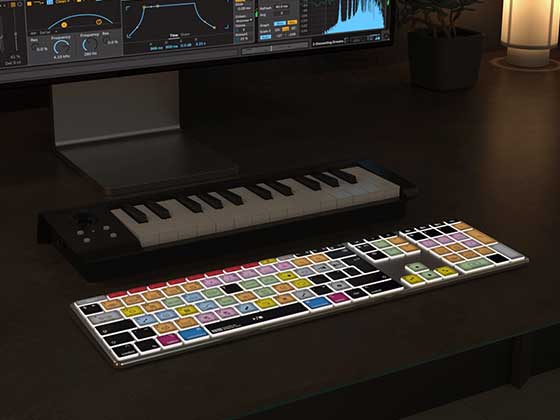
Editors Keys shortcut editing keyboards display software-specific shortcuts directly on the keys, making commands easier to identify and memorise. Instead of repeatedly checking an online shortcut list, you can see the commands where you need them, helping you build muscle memory as you work.

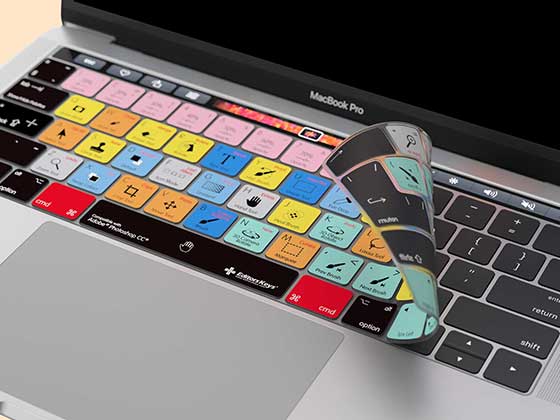
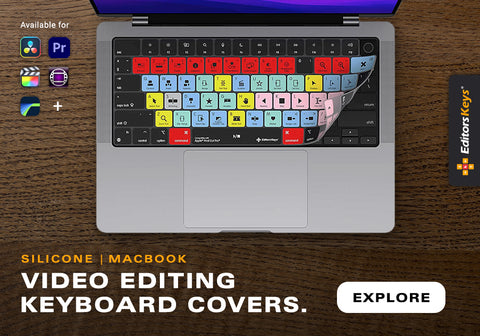
The AB10 Air Wireless Backlit Shortcut Editing Keyboard offers a wireless setup with backlighting, while the AB10 Core Wired USB-C Backlit Shortcut Editing Keyboard provides a wired connection and backlit keys. Both are designed to make frequently used commands easier to access during long editing sessions. Editors Keys also produces silicone keyboard covers for supported editing applications, giving you a convenient visual reference without replacing your existing keyboard.
Whether you use Final Cut Pro, DaVinci Resolve or both, learning shortcuts can make your workflow more consistent and efficient. Explore the Editors Keys shortcut keyboards and editing covers to find an option suited to your setup.