



Editors Keys Blog
Adobe Premiere Pro
Media Composer vs Premiere Pro: Which Video Editing Software Is Best in 2026?
If you are choosing professional video editing software in 2026, two names continue to dominate conversations about serious post-production: Avid Media Composer and Adobe Premiere Pro. Both are cap...
Adobe Premiere Pro
10 Best Video Editing Plugins for Premiere Pro in 2026
If you're editing in Adobe Premiere Pro 26.3, you've already got one of the most powerful video editing applications available. Adobe continues to improve Premiere Pro every year with AI-powered to...
final Cut Pro
Final Cut Pro Hidden Features: A 2026 Guide
Final Cut Pro has earned its reputation as one of the fastest and most efficient professional video editing applications available for macOS. From YouTube creators and wedding videographers to docu...
keyboard shortcuts
10 Adobe Premiere Pro Shortcuts Every Editor Should Be Using
If you're spending hours editing videos in Adobe Premiere Pro, mastering keyboard shortcuts is one of the fastest ways to improve your workflow. Whether you're creating YouTube videos, social media...
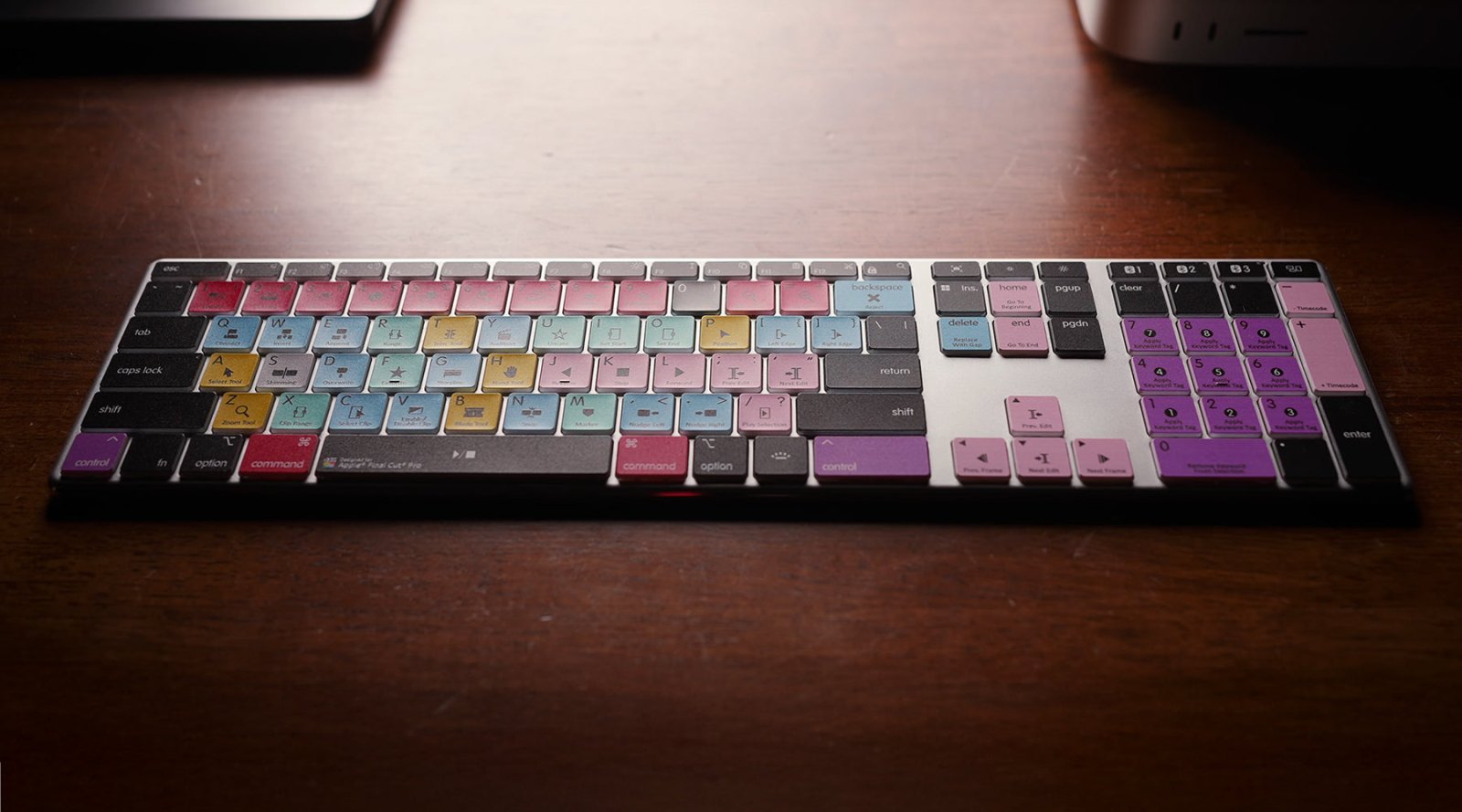
Audio Editing Keyboard
Editing Keyboards Explained: Faster Editing Starts Here
If you’ve ever watched a professional video editor or music producer at work, you may have noticed how quickly they move through their software without endlessly clicking through menus. One of the ...

Backlit editing keyboards
The Best Video Editing Keyboards for Adobe Premiere, Final Cut Pro, and DaVinci Resolve
For video editors, efficiency and precision are everything. Whether you're cutting together a YouTube tutorial, editing a feature film, or crafting content for social media, having the right tools ...
Adobe
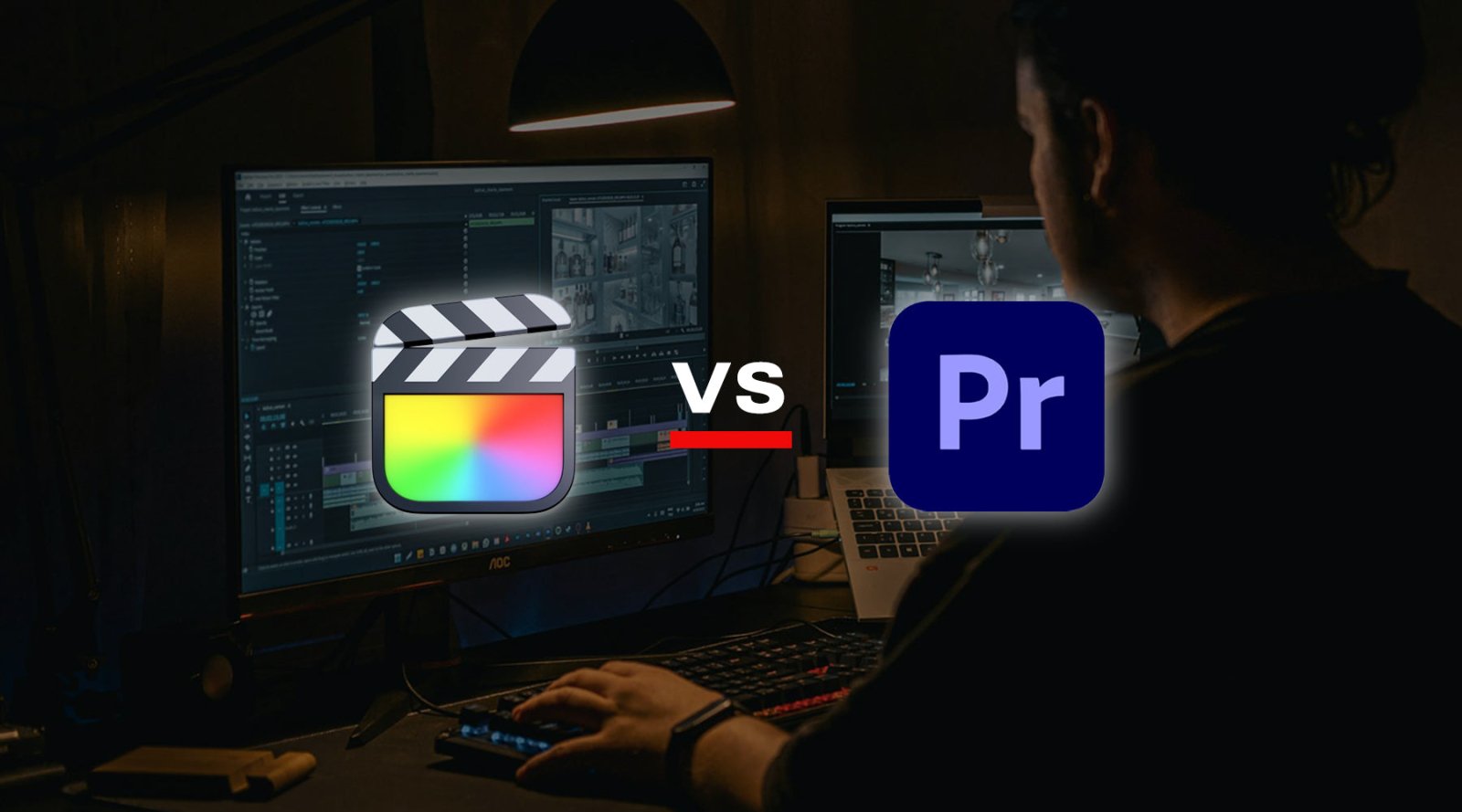
Final Cut Pro vs. Adobe Premiere Pro: Which Should You Choose?
When it comes to professional video editing, two names consistently stand out in the industry: Final Cut Pro and Adobe Premiere Pro. Both are lauded as the best video editing software available tod...
Collab
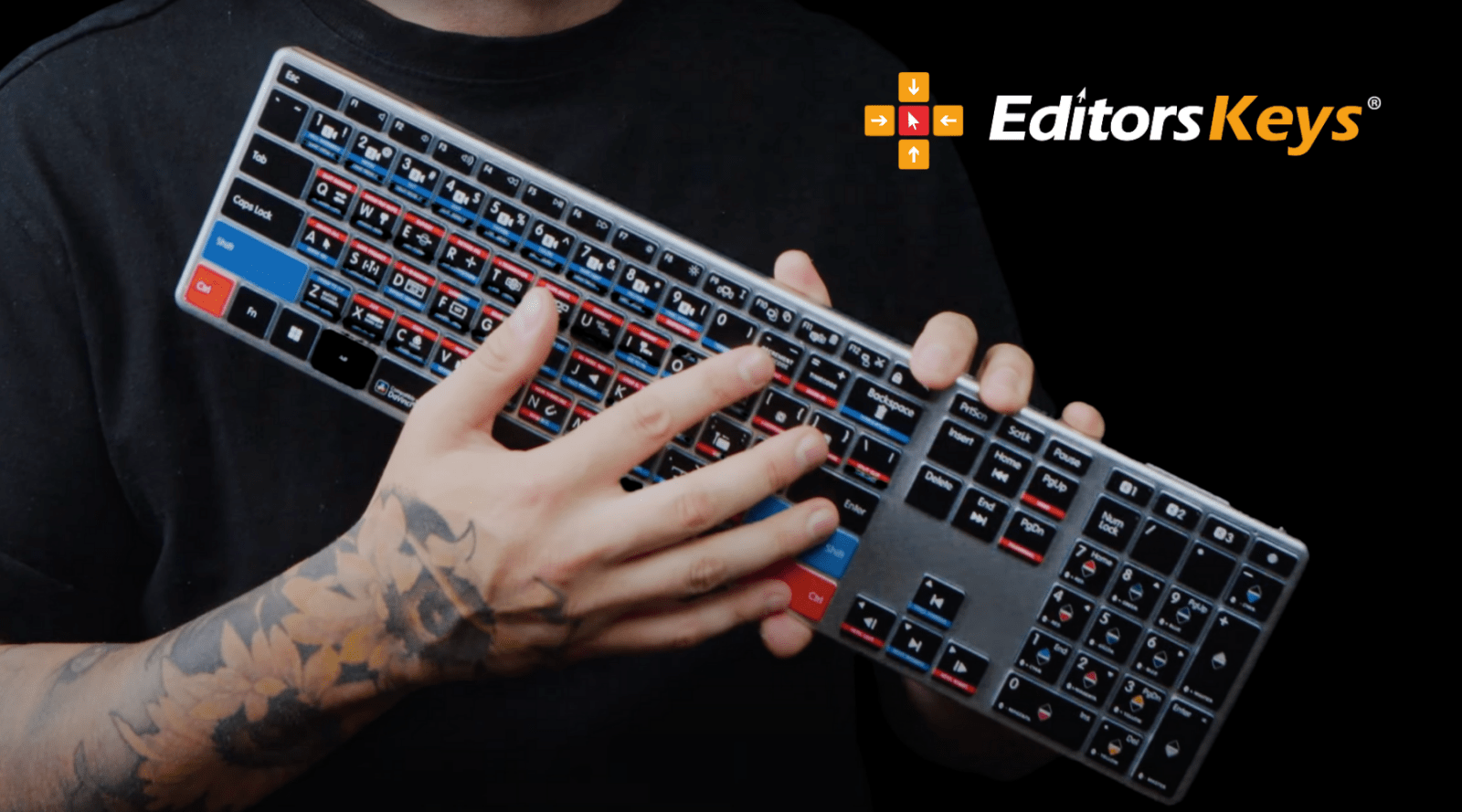
Zach Mayfield uses an Editors Keys DaVinci Resolve Wireless Backlit!
Any fans of popular tech and video YouTuber Zak Mayfield may have noticed a familiar keyboard in his recent video "Best "AFFORDABLE" pocket camera? - Lumix S9 vs Fuji X100VI". We were super thrill...