
Editors Keys Blog
Comparison
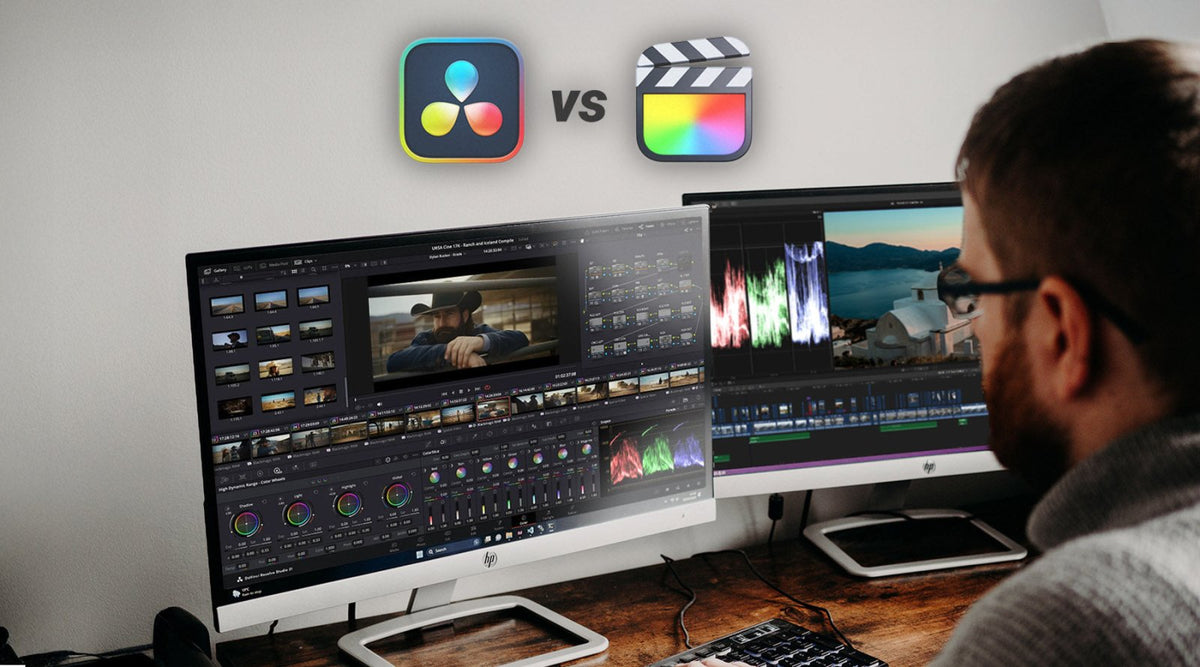
Final Cut Pro vs DaVinci Resolve in 2026: Which Video Editor Is Best?
Choosing between Final Cut Pro and DaVinci Resolve in 2026 comes down to your editing style, budget and the type of videos you produce. Both are powerful video editing programmes capable of profess...
final Cut Pro
Final Cut Pro Keyboard Shortcuts: The Complete 2026 Cheat Sheet (Free PDF)
Final Cut Pro ships with hundreds of keyboard shortcuts, and almost nobody uses more than a dozen of them. That isn't laziness. It's that the full list lives buried in Apple's documentation, most o...
final Cut Pro
Final Cut Pro Hidden Features: A 2026 Guide
Final Cut Pro has earned its reputation as one of the fastest and most efficient professional video editing applications available for macOS. From YouTube creators and wedding videographers to docu...
final Cut Pro
THESE 10 Final Cut Pro Shortcuts Cut My Editing Time in Half! (2026 Guide)
The difference between a beginner and a professional editor often isn't creativity—it's speed. Professional editors aren't necessarily editing faster. They're simply clicking less.
Free: the comp...
final Cut Pro
Top 10 Shortcuts in Final Cut Pro Every Editor Should Know
Whether you're editing YouTube videos, documentaries, corporate content, music videos or feature films, speed is everything. Professional editors don't spend their day digging through menus or hunt...

final Cut Pro
Mastering Stabilisation in Final Cut Pro (2025): The Ultimate Guide for Smoother Footage
If you've ever captured what felt like the perfect shot, only to discover it's marred by distracting shake once you import it into Final Cut Pro, you're not alone. Whether you're vlogging, shooting...
Ai Tools
Final Cut Pro's New AI Features – A Complete Guide for Faster Editing
Final Cut Pro 11 has introduced a powerful suite of new AI-powered tools that promise to transform the editing process for video professionals and creators alike. Whether you're cutting content for...

Downloads
The Best Video Editing Plugins to Speed Up Your Workflow in 2025
In today’s fast-paced content world, video editors and creators need every advantage they can get to deliver high-quality results—quickly. Fortunately, 2025 has brought a wave of powerful plugins t...
Better Edits
How to Achieve Seamless Transitions in Your Video Edits
When it comes to crafting a professional video edit, seamless transitions are a hallmark of great storytelling. Whether you're producing a short film, a YouTube video, a commercial, or a documentar...